



Welcome to download
BuhoCleaner
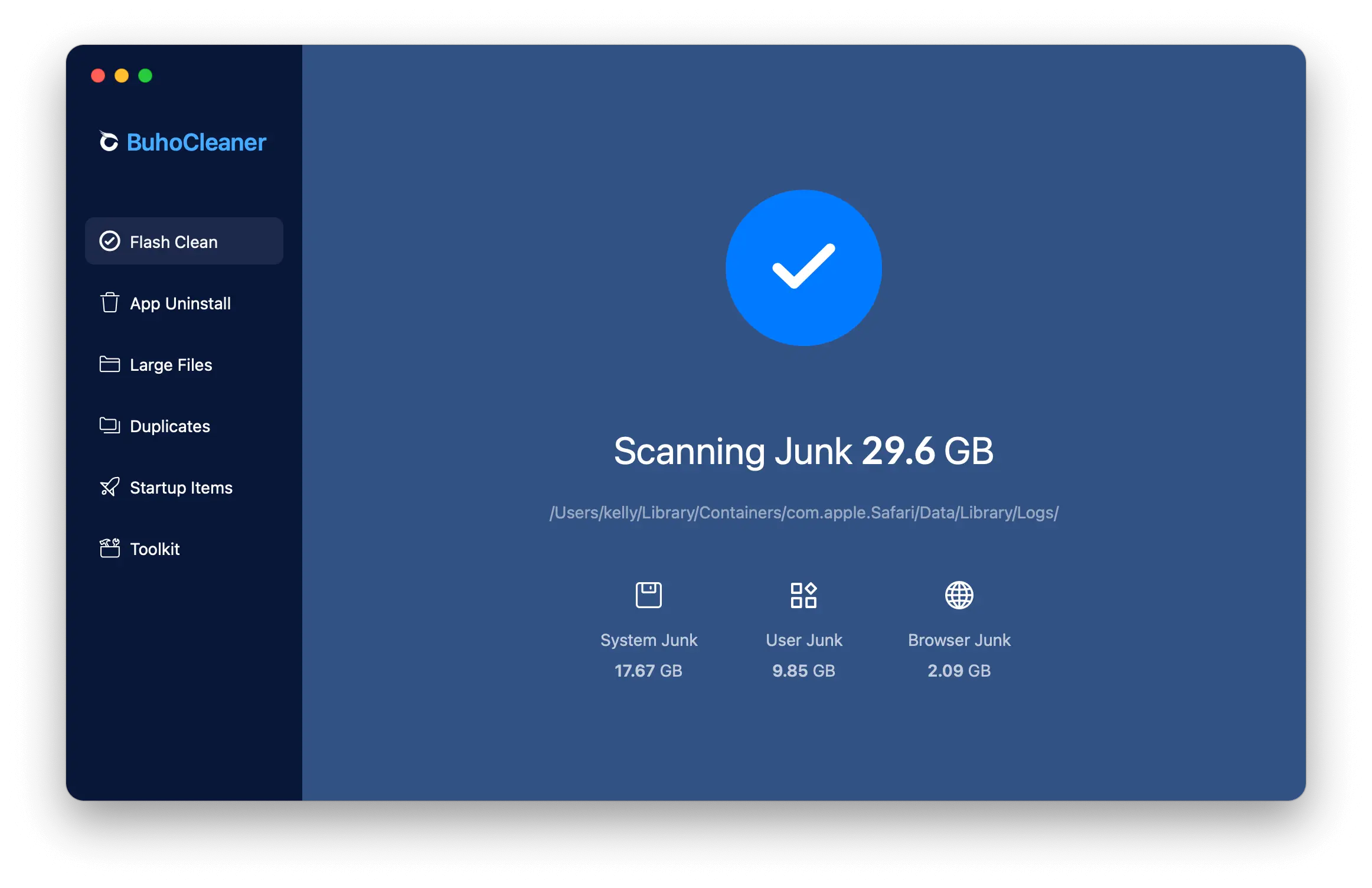
Get BuhoCleaner to enjoy all it's exciting macOS cleanup features.
- Delete millions of junk files in a click
- Free up extra storage space for your Mac
- Your complete macOS cleanup toolbox







System Requirements
Rating
Supported Languages
Latest Version
More Essential Mac Apps

BuhoBarX
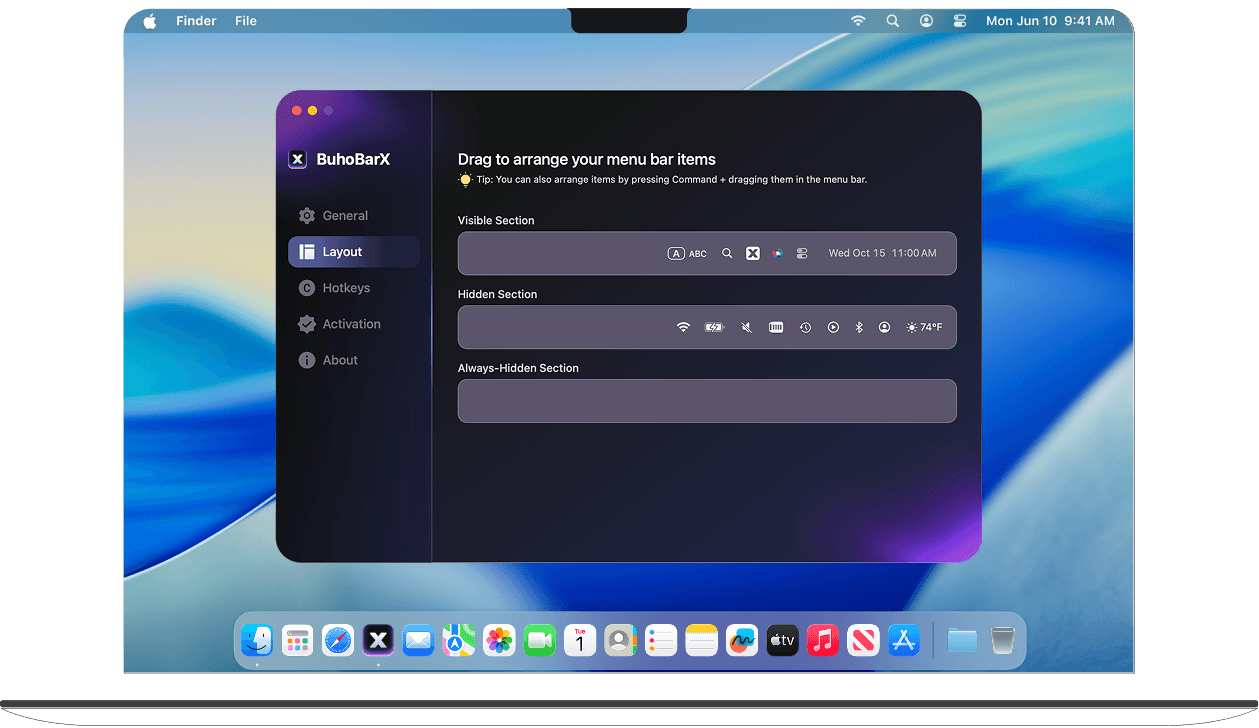
BuhoBarX brings simple and beautiful solution to access your hidden menu bar items and take full control of your Mac's menu bar.

BuhoLaunchpad
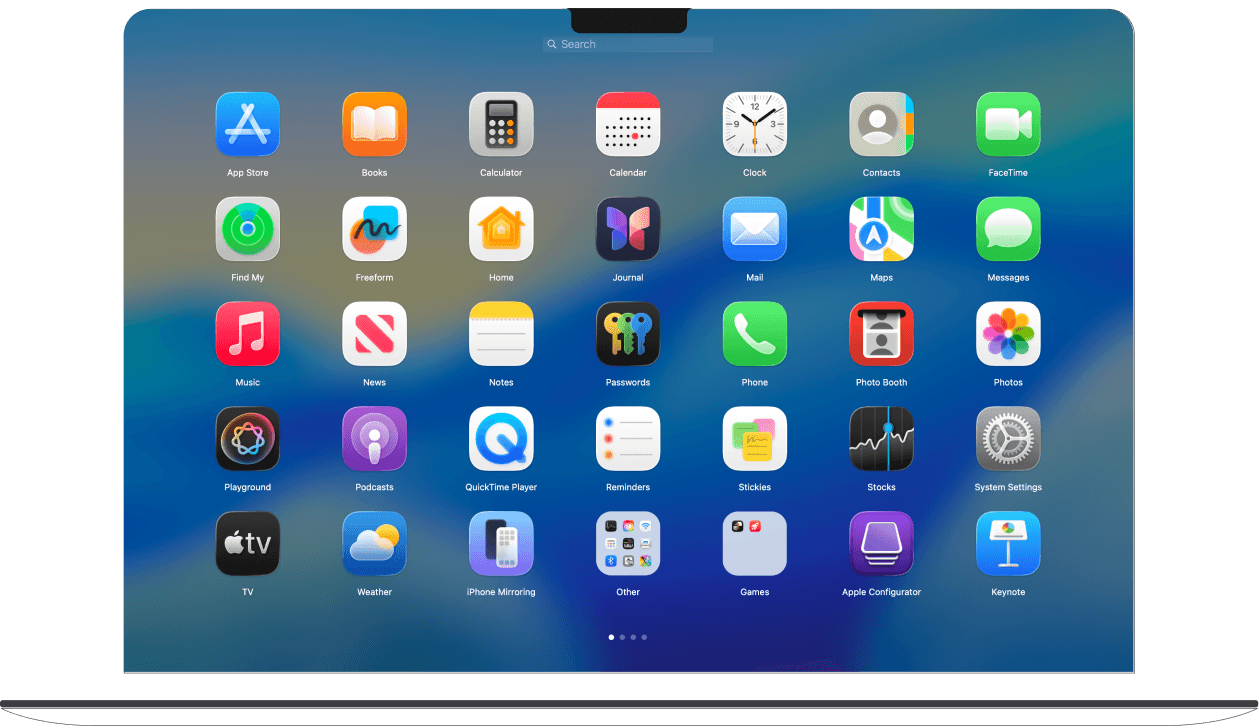
BuhoLaunchpad is designed to bring the simple, full-screen and familiar app launching experience back to macOS 27 Golden Gate.
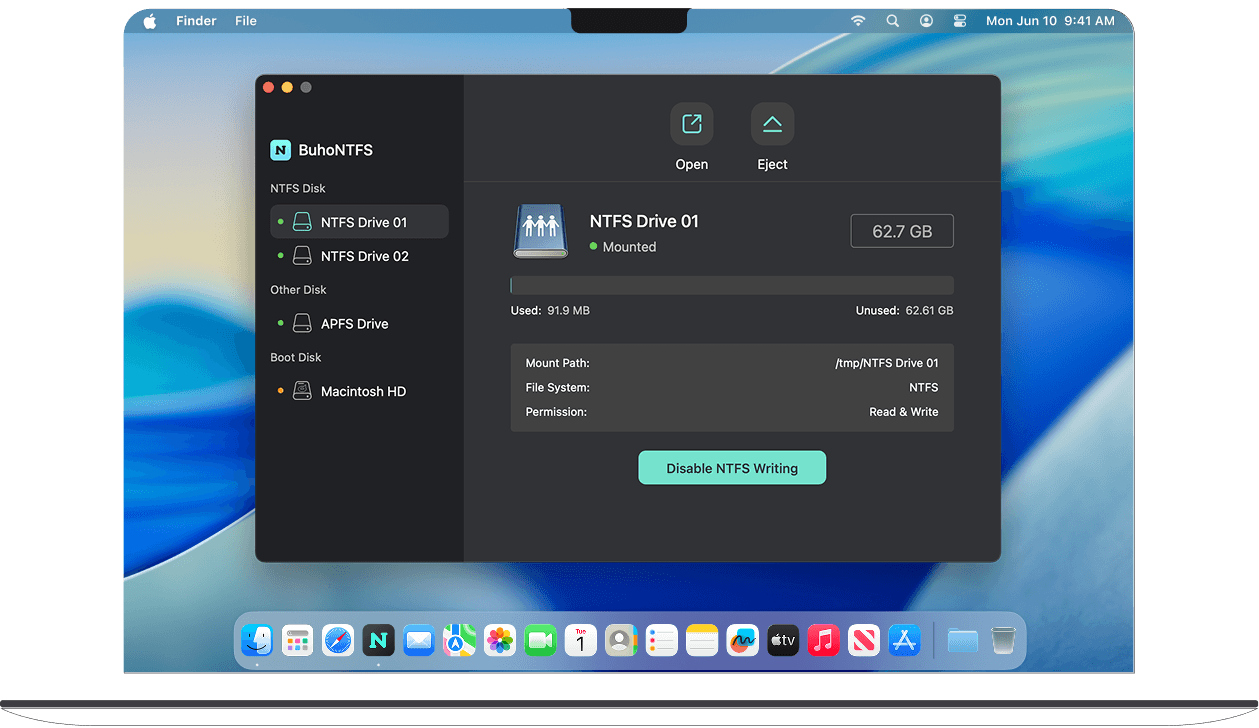
BuhoNTFS
BuhoNTFS makes it convenient to access, mount, and open NTFS disks directly from your Mac's menu bar. Enjoy the seamless NTFS integration on your Mac.
BuhoBarX
BuhoBarX brings simple and beautiful solution to access your hidden menu bar items and take full control of your Mac's menu bar.
BuhoLaunchpad
BuhoLaunchpad is designed to bring the simple, full-screen and familiar app launching experience back to macOS 27 Golden Gate.


Fully Optimized for Apple M1-M5 Macs
We have made a lot of optimizations to BuhoCleaner to make it work perfectly on Apple M1-M5 Macs. Therefore, no matter what Mac you are using, you can always use BuhoCleaner to keep your Mac storage fit.

Ready for macOS Golden Gate
BuhoCleaner works very well on the latest macOS Golden Gate. From the user-friendly interface to the efficient and easy-to-use tools, BuhoCleaner has it all.
How to Install
1Open

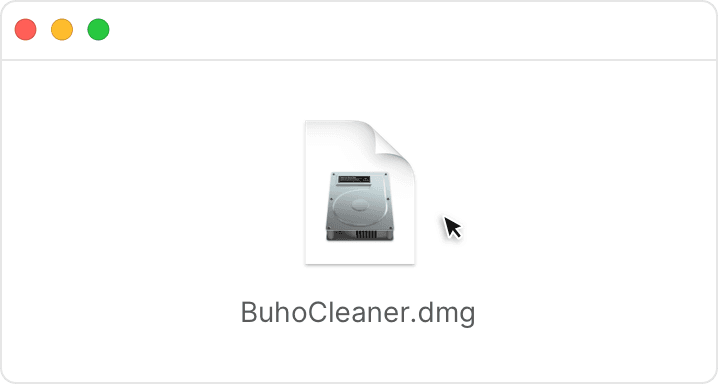
Find the DMG file in your Downloads folder, and open it.
2Install
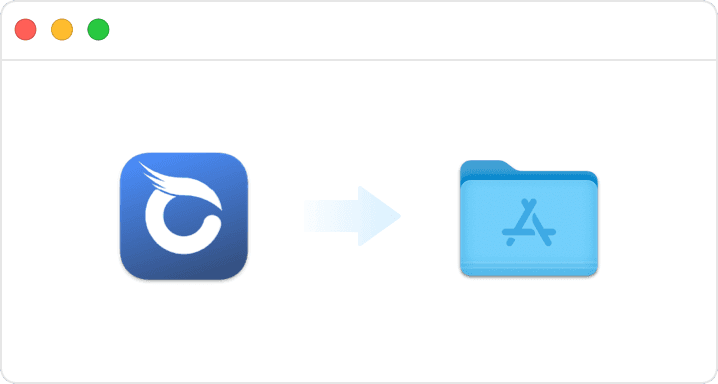
Just drag and drop BuhoCleaner to Applications.
3Launch
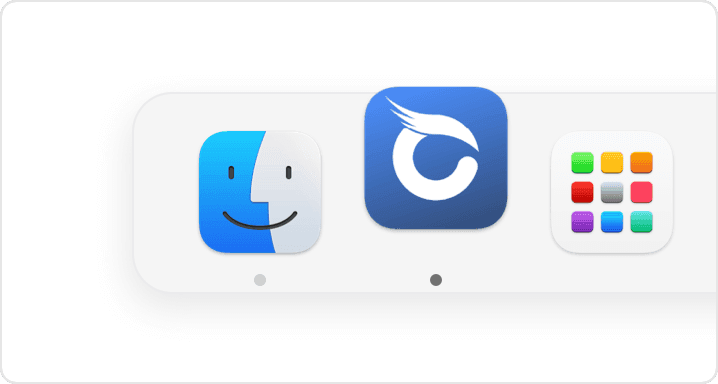
Awesome! You're good to go. Enjoy using BuhoCleaner!